
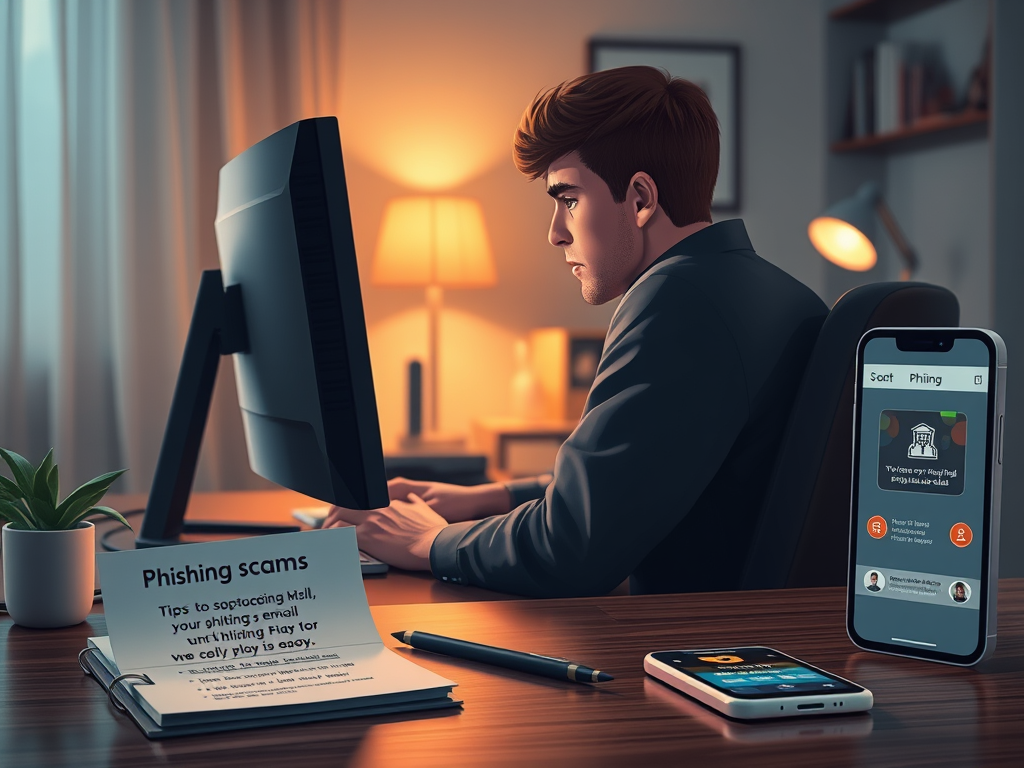
He thought it was a routine message from his bank. The email used the right logo, the tone sounded urgent but official, and the link looked legitimate at a glance. Within minutes he clicked, entered his details, and before the week was out he had lost his life savings, money he had been putting away for years. The shock, shame, and helplessness that followed left his family reeling.
That story is not fiction. It is the reality for too many people who trusted an email without double checking the little things. Phishing does not just steal credentials, it steals peace of mind, security, and sometimes livelihoods. This short guide will help you spot phishing emails before they become tragedies.
1. Check the Sender’s Email Address
Phishers rely on your trust in a familiar name. The display name might read “Bank Support” but the actual email address could be support.bank-login1234@mailservice.com. Always hover to reveal the full sender address. Look for tiny misspellings, extra characters, or unfamiliar domains.
Red flags include free email providers like Gmail or Yahoo being used for corporate sounding senders, incredibly long vague email addresses that include random strings or numbers, odd subdomains, or random sequences in the address. A legitimate corporate sender will normally use the company domain and a concise, recognizable local part.
2. Beware of Pressure and Urgency
Emotional manipulation is common. Examples include “Act now or lose access”, “Immediate action required”, “Final notice”. These lines aim to short circuit your logical thinking. Pause. Legitimate institutions rarely demand instant action without giving you ways to verify first.
3. Inspect Links and Domains Closely
Links are the weapons of choice. Hover over any link to see its real target. If the visible text and the hover preview do not match, that is a major red flag.
Phishers also use tricks like lookalike domains. For example, instead of amazon.com, they might register arnazon.com where the “m” is replaced with “rn”. At a glance, it feels correct, but it will take you somewhere entirely different. These small deceptions are easy to miss unless you slow down and check letter by letter.
Safe practice is not to click the link in the email. Open a browser and type the official website URL yourself, or use a trusted bookmark.
4. Treat Attachments with Extreme Caution
Unexpected attachments, especially zip files, exe files, or macro enabled Office files, often contain malware. If an attachment seems unexpected, confirm with the sender by another channel such as a call, official chat, or a separate email to a known address before opening.
5. Look for Language Issues and Odd Formatting
Many phishing messages contain awkward phrasing, odd punctuation, or inconsistent formatting because attackers rush or use poor translations. Typos alone are not proof, but combined with other signs, they strengthen suspicion.
6. Watch for Generic Greetings and Lack of Personalization
An email that begins with “Dear Customer”, “Dear Bank Account Holder”, or “Dear User” instead of your name may be a mass phishing attempt. Generic greetings are a common tactic to cast a wide net. Companies that have your details usually address you personally.
7. Question Requests for Sensitive Information
No legitimate company will ask for passwords, PINs, or full credit card numbers via email. Be especially suspicious of direct requests asking you to reply with personal information such as your password, email address verification, social security number, or one time passcodes. If an email demands credentials or personal info, it is almost certainly phishing.
8. Check the Signature and Contact Details
Compare the signature and contact information with previous legitimate emails. Look for incorrect telephone numbers, missing disclaimers, suspicious URLs embedded in the signature, or contact addresses that are generic free email accounts rather than official company addresses.
9. Beware of Too Good To Be True Offers
Emails promising instant prizes, huge refunds, or unbelievable discounts are classic phishing lures. If it looks like a windfall, verify independently before responding.
10. Cross Verify and Use Trusted Channels
If you suspect an email:
- Do not use the contact info in the email.
- Visit the organization’s official website directly, use a known phone number, or contact them via a verified app.
- If it involves work systems, forward the email to IT or your security team for verification.
11. Use Technical Defenses but Don’t Rely Solely on Them
Modern email systems do a lot of filtering, and endpoint protections help, but these tools are not perfect. Use them as a safety net. Your vigilance is the front line.
Helpful controls include two factor authentication, email authentication standards like SPF, DKIM, and DMARC on the sender’s side, and up to date anti malware solutions.
12. If You or a Colleague Fall Victim, Act Fast
- Change passwords immediately starting with email, banking, and work accounts.
- Enable or check two factor authentication settings.
- Contact your bank and report potential fraud.
- Inform your IT or security team so they can contain possible threats and help others.
- If financial loss occurred, file a police report and preserve all evidence.
Final Thoughts: Pause, Verify, Protect
Phishing preys on speed and emotion. The simple habit of pausing to verify, checking the sender, hovering over links, and questioning requests for sensitive information can prevent the kind of heartbreak at the start of this post.
We cannot stop every scam overnight, but awareness and a few cautious habits will save people time, money, and peace of mind. Teach others what you learn. Sometimes a quick nudge from a colleague can prevent a life changing mistake.
Stay vigilant. Verify before you trust.

Leave a Reply