
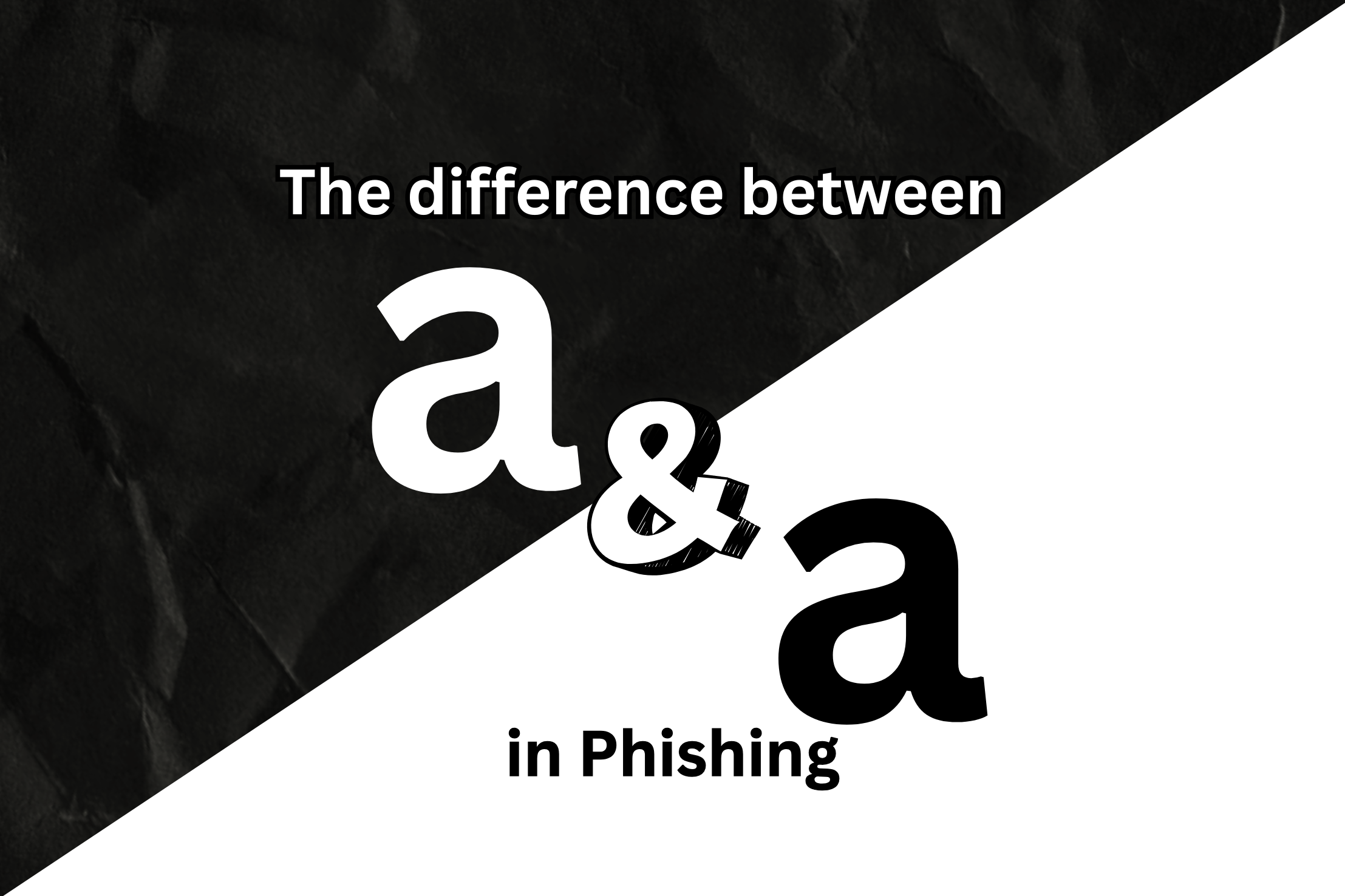
In some of our previous posts, we spoke about how sophisticated phishing emails use typo-squatting to visually trick users into mistaking malicious domains as legitimate, for example, using ‘rn’ instead of an ‘m’, using ‘1’ instead of an ‘i’, etc., and while these can easily fool an untrained eye, a skilled and patient defender would most likely catch this.
But can they tell the difference between paypal[dot]com and paypal[dot]com?
Believe me, one of the two domains mentioned above is malicious, yet, our eyes find it impossible to tell them apart.
This exact method of masking malicious domains as legitimate is called a Unicode homograph attack.
The name is made out of two words:
- Unicode, which is the universal character encoding standard that assigns a unique code point to characters from nearly every writing system in the world such as Latin, Cryillic, Greek, etc.
- Homograph, which in security, means different characters that look the same.
While our eyes might think a and a are the same, and in most cases they are, our computers intercept them very differently.
There are certain characters across different writing styles that make this attack possible such as:
- Latin ‘a’ and Cyrillic ‘a’
- Greek ‘o’ and Latin ‘o’
When converted to Unicode, Latin ‘a’ has the value U+0061, whereas, Cyrillic ‘a’ has the value U+0430.
And there’s a reason why this works so well:
- Humans read by pattern recognition, not character code.
- Most people do not inspect URLs character-by-character.
- The padlock icon still appears (HTTPS works fine).
- The page design can be perfectly cloned.
How do you detect this?
Now let’s jump into the important part. You see paypal[dot]com and paypal[dot]com. How do you detect which one is fake?
This is where the blog gets technical, but I’ll try to keep it simple for everyone.
Before we dive into detecting Unicode Homograph attacks, we need to understand a few concepts.
- ASCII – It was one of the earliest character encoding standards and worked perfectly for English but it was limited to 128 characters and completely failed for other languages and writing styles.
- Unicode – Unicode was introduced to tackle this limitation and assigned a unique code point to every character from nearly every writing style on Earth.
- Punycode – Punycode was introduced to tackle another problem being faced with Unicode. You see, even though now every character had a code point, the DNS system still relied on ASCII. Punycode was what helped convert Unicode characters into an ASCII compatible format. Here is how it would work:
- Every encoded domain would begin with ‘xn--‘
- For example, if the visual domain is пример.com, the DNS compatible version would be xn--e1afmkfd.com
- The user would see пример.com, but in the background, xn--e1afmkfd.com would be used for DNS resolution.
An attacker could:
- Register a domain using lookalike characters.
- Encode it automatically via Punycode.
- Host a phishing page.
- Rely on the browser to display the deceptive Unicode version.
If you’re ever suspicious about a domain, even though it looks legit, you can use a punycode decoder such as the one at https://www.punycoder.com/
And once you have decoded it, paste the output into a unicode character inspector such as the one at https://bobpritchett.com/unicode-inspector

If you look at the above snip, I copied one Cyrillic ‘a’ and I used my keyboard for the Latin ‘a’. And even though they are visually identical, they are clearly different as shown in the output.
Now before you start getting paranoid about all the websites you have visited, I will tell you this.
Not all xn-- domains are malicious. Many legitimate international websites use Unicode domains. The red flag is not Unicode itself.
The red flag is:
- Visual impersonation of a known brand
- Mixed writing systems
- Suspicious context (email, SMS, urgency)
Once you suspect that a legitimate email address is going out of bounds to have you perform certain tasks that normally follow a different protocol, you can always check if they really are who they say they are.
I understand this might have been one of the most technical posts on this blog as of now, but as the toolkits of malicious actors expand, it is important to arm ourselves with the awareness to not fall for them.
Feel free to leave a comment or any suggestion you might have.

Leave a Reply